Where a Shorts thumbnail is seen
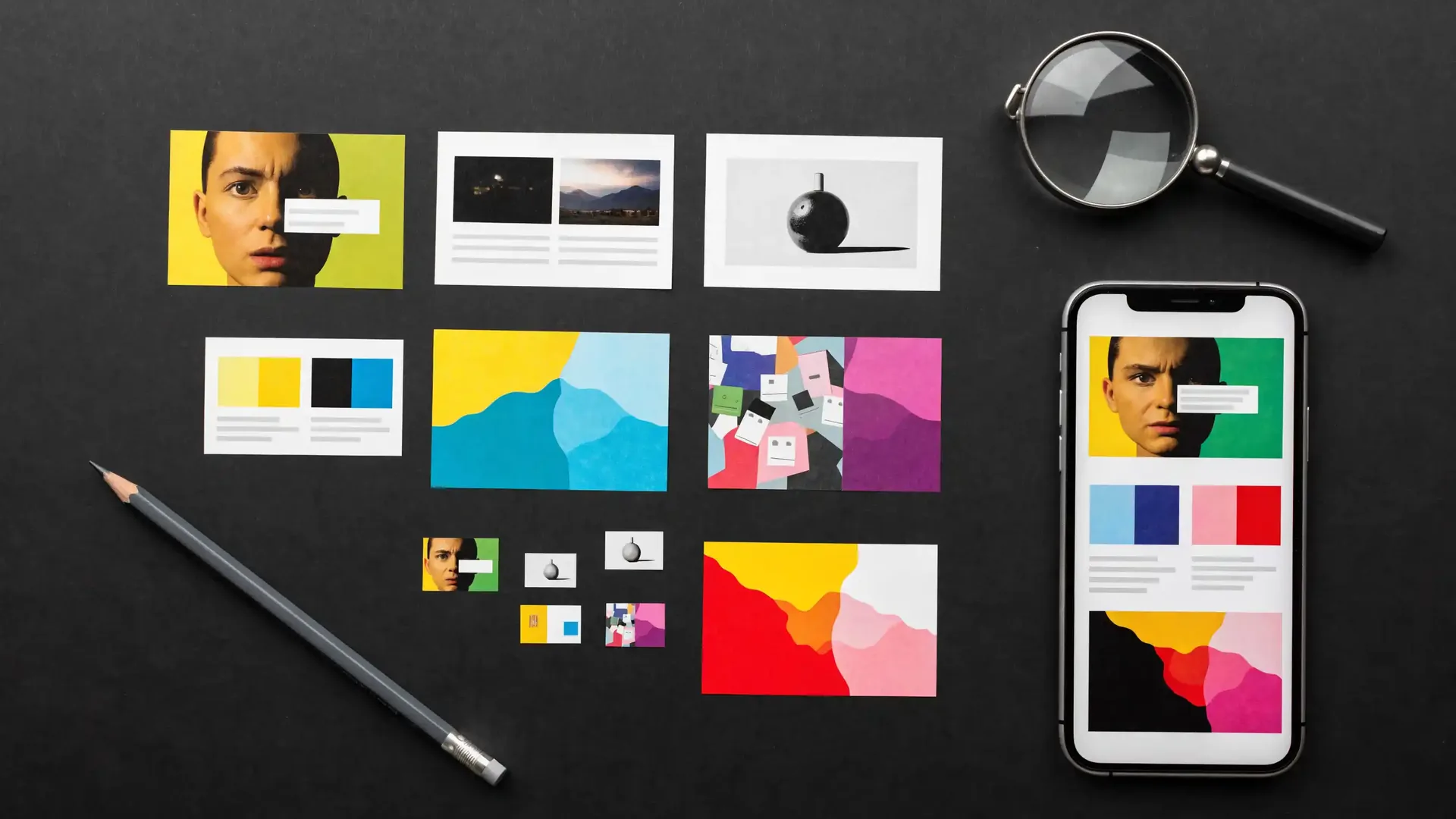
A Short in the swipe feed starts playing at once, so its thumbnail is not what wins the view there. The cover matters where Shorts appear as a grid or a list: the Shorts tab of a channel, search results, Shorts shelves on the home page, and shared links. On a channel page, the covers together form a wall that tells a visitor what the channel is.
Size and how to add one
- YouTube Help recommends 2160 × 3840 pixels, 9:16, with a minimum height of 640 pixels.
- You can upload a custom Shorts thumbnail from an image file, or choose a frame from the video.
- Shorts can be up to three minutes long; the same cover rules apply whatever the length.
- For vertical videos given a 16:9 thumbnail, YouTube may show an auto-generated 4:5 crop on home, explore and subscriptions; design vertically from the start.
- Changes can take a while to appear everywhere.
Designing a vertical cover
Put the subject in the middle third; vertical covers are often cropped or shown small at the top and bottom.
There is room for one clear subject, not a scene.
If you use text, place it in the upper half and keep it to a few words; interface elements often cover the bottom.
Covers taken from the best moment are honest and often enough; add a little contrast and a crop.
Design covers as a set: consistent type position and colour make the Shorts tab look intentional.
The cover and the opening frame should feel like the same thing, so viewers are not surprised.
Common mistakes
- Stretching a 16:9 thumbnail into a vertical frame.
- Text along the bottom edge, where titles and buttons sit.
- A cover that promises something the Short does not show; YouTube's spam policy counts misleading thumbnails as a violation.
- Every cover in a different style, so the channel page looks random.
A book spine, not a book cover
On a shelf, a book shows only its spine, and spines work as a set. Shorts covers on a channel page work the same way: each one is small, and their rhythm together says who you are before any single one is read.
Questions about shorts thumbnails
What size is a YouTube Shorts thumbnail?
YouTube Help recommends 2160 × 3840 pixels at 9:16, with a minimum height of 640 pixels.
Can you change a Shorts thumbnail?
Yes. You can upload a custom thumbnail image for a Short or choose a frame from the video.
Do Shorts thumbnails matter?
Not in the swipe feed, where Shorts autoplay, but they do on channel pages, in search, on shelves and in shared links.
Where should text go on a Shorts thumbnail?
In the upper half, short and large; the bottom of vertical frames is often covered by titles and buttons.
Open your channel's Shorts tab or a channel you like. Describe the grid as one image: what repeats, what changes, and what it tells a stranger about the channel.
Sources and further reading
- YouTube Help: 'Add custom thumbnails on YouTube' (support.google.com/youtube/answer/72431), checked November 2026.
- YouTube Help: 'Understand three-minute YouTube Shorts' (support.google.com/youtube/answer/15424877).
- YouTube Help: 'Spam, deceptive practices and scams policies' (support.google.com/youtube/answer/2801973).
Words to describe shorts thumbnails
Precise words for the qualities above. Combine a few of them instead of naming the style or artist alone.
- 9:16
- 2160 × 3840
- vertical cover
- Shorts tab
- shelf
- centre-weighted
- grid
- first frame
- safe area
- series
A Shorts cover: a vertical frame of hands kneading dough under a warm kitchen light, the subject in the middle third, two heavy words in the upper quarter, the bottom left clear.