The current specs
According to YouTube Help (checked in November 2026), a custom thumbnail should be:
3840 × 2160 pixels, aspect ratio 16:9, minimum width 640 pixels.
2160 × 3840 pixels, aspect ratio 9:16, minimum height 640 pixels.
Square, 1:1.
Image formats such as JPG or PNG.
Up to 50 MB for video, Shorts and podcast thumbnails.
Up to 50 MB for video thumbnails, 10 MB for podcasts.
Older guides, and many tools, still say 1280 × 720 and 2 MB. Those were the earlier figures. A 1280 × 720 file still has the right ratio and is above the minimum width, but designing at 3840 × 2160 gives a sharper image on large screens and TVs.
Rules that come with the specs
- Your account must be verified to upload custom thumbnails; otherwise you choose from auto-generated options.
- There is a daily limit on how many custom thumbnails a channel can upload. If you reach it, YouTube asks you to try again in 24 hours; the limit can vary by region and channel history.
- For vertical videos with a 16:9 custom thumbnail, YouTube may show an auto-generated 4:5 thumbnail on the home, explore and subscription pages, while your custom one still appears in places such as watch history.
- Thumbnails must follow YouTube's thumbnail policies, and changes can take time to appear.
Safe areas and small sizes
The specs tell you the canvas; the real design problem is how small the thumbnail is seen. On a phone, in the sidebar or in search, it can be a few centimetres wide.
- Keep the bottom-right corner free of anything important: the video length badge covers it.
- Keep faces, objects and words away from the very edges; different surfaces crop and round corners slightly.
- For Shorts, design a separate 9:16 image instead of stretching the 16:9 one.
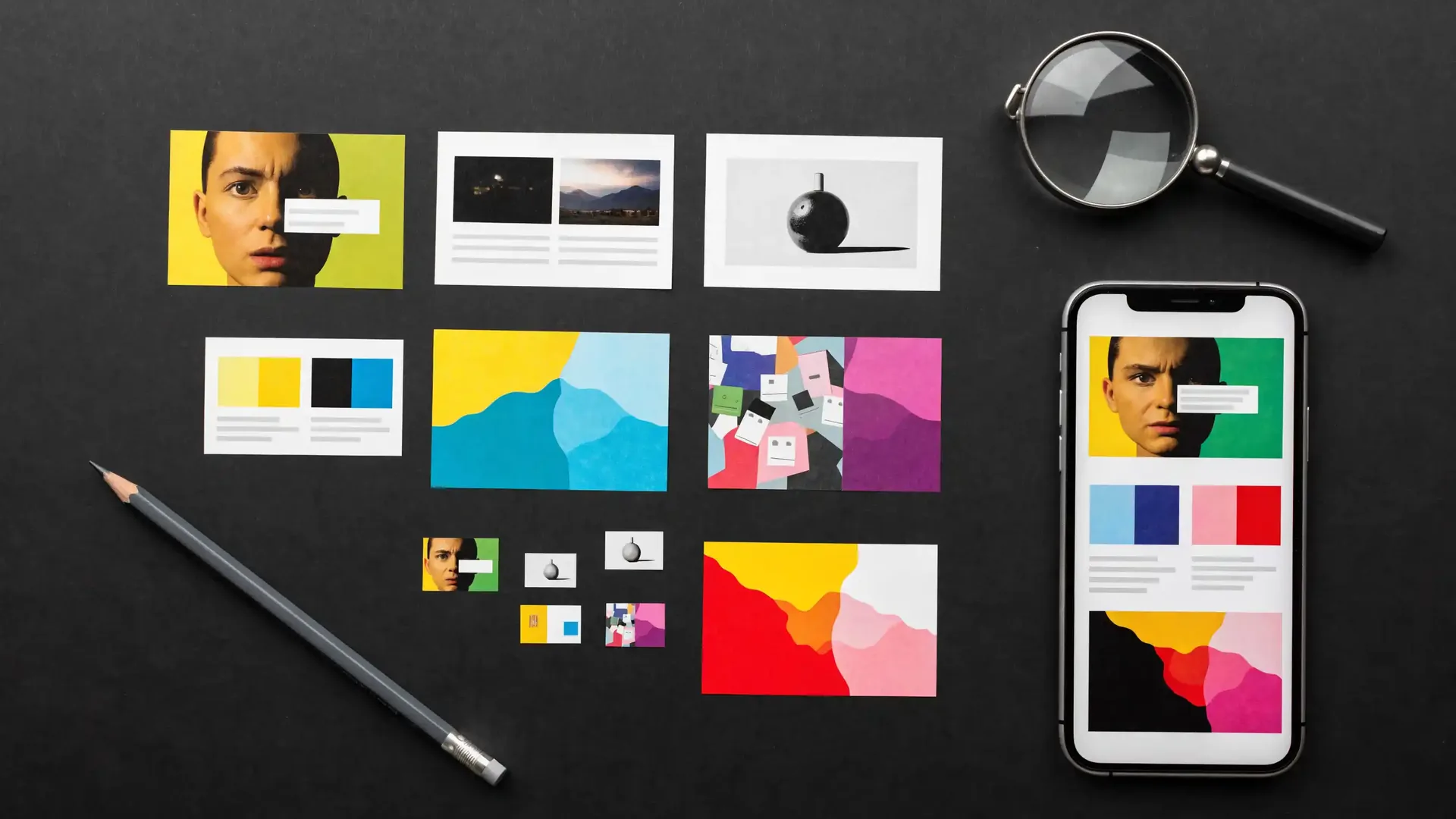
- Check every thumbnail at the size of a postage stamp before publishing.
A simple file workflow
- Design at 3840 × 2160 on a 16:9 artboard (or 2160 × 3840 for Shorts).
- Export JPG for photographs and PNG when there are flat colours or sharp type.
- Keep the layered source file and name versions clearly (A, B, C) for testing.
- Upload, then look at it in YouTube on a phone, not only in your design app.
The frame comes first
Every poem has a form before it has a line: a sonnet's fourteen lines, a haiku's three. A thumbnail's form is a small 16:9 rectangle with a corner already taken. Knowing the frame exactly is what lets you stop thinking about it and start composing.
Questions about youtube thumbnail size
What size is a YouTube thumbnail in 2026?
YouTube recommends 3840 × 2160 pixels at 16:9 for video thumbnails, with a minimum width of 640 pixels. Shorts thumbnails are 2160 × 3840 at 9:16.
Is 1280 × 720 still OK for a YouTube thumbnail?
Yes, it has the correct 16:9 ratio and is above the 640-pixel minimum width, but YouTube now recommends 3840 × 2160 for sharper display.
What is the file size limit for YouTube thumbnails?
YouTube Help lists 50 MB on a computer for video, Shorts and podcast thumbnails, and on mobile 50 MB for video thumbnails and 10 MB for podcasts.
Can Shorts have custom thumbnails?
Yes. YouTube Help describes uploading a custom Shorts thumbnail from an image file, with a recommended ratio of 9:16.
Why can't I upload a custom thumbnail?
Usually because the account is not verified, or the channel has reached its daily custom thumbnail limit.
Open your last three thumbnails on your phone at the smallest size YouTube shows them. Write down what you can still read and recognise, and what disappears.
Sources and further reading
- YouTube Help: 'Add custom thumbnails on YouTube' (support.google.com/youtube/answer/72431), checked November 2026.
- YouTube Help: 'A/B test titles & thumbnails' (support.google.com/youtube/answer/16391400).
- YouTube Help: Thumbnail policies.
Words to describe youtube thumbnail size
Precise words for the qualities above. Combine a few of them instead of naming the style or artist alone.
- 16:9
- 9:16
- 1:1
- 3840 × 2160
- minimum width
- safe area
- timestamp badge
- JPG
- PNG
- verified account
A thumbnail canvas at 3840 × 2160: one subject on the left third, empty space on the right, the bottom-right corner left clear for the time badge, checked again at the size of a stamp.