Sizes
Upload 2560 × 1440 pixels (16:9). The minimum is 2048 × 1152, and the file must be 6 MB or less.
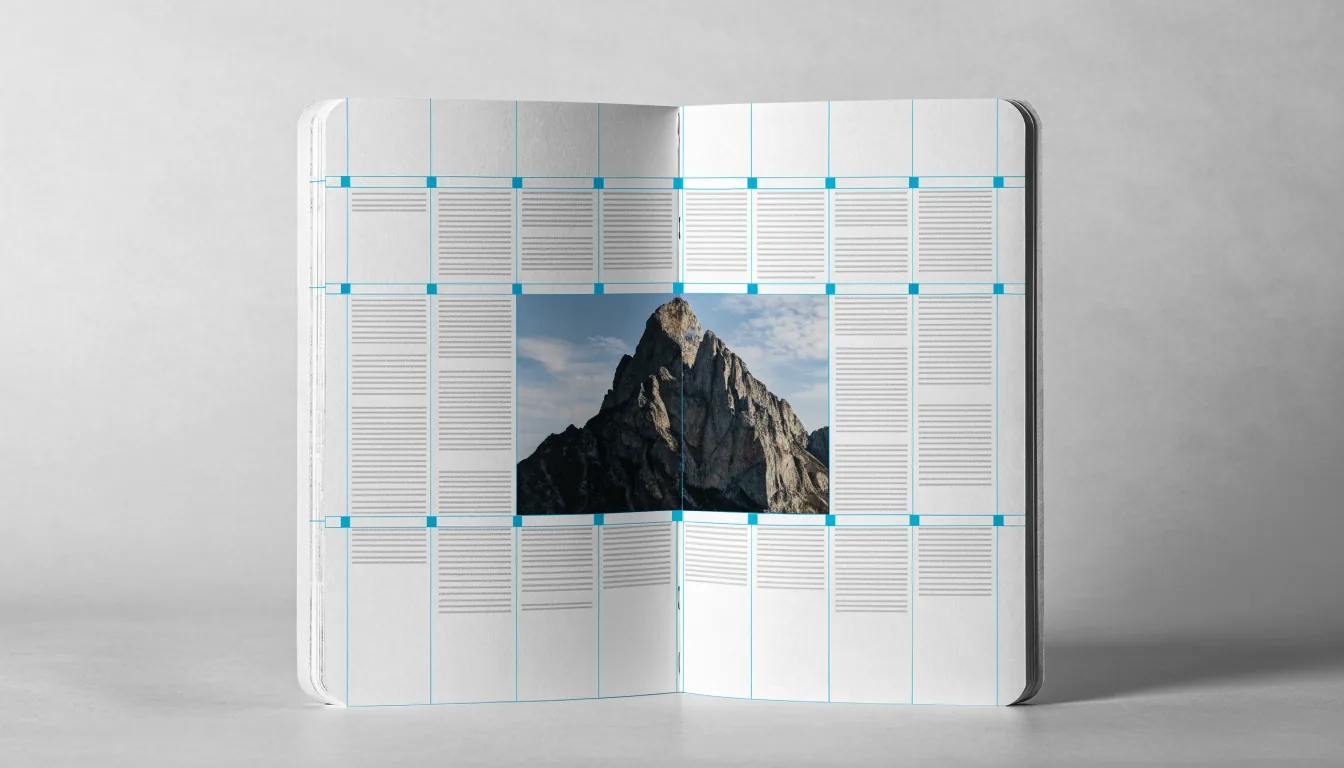
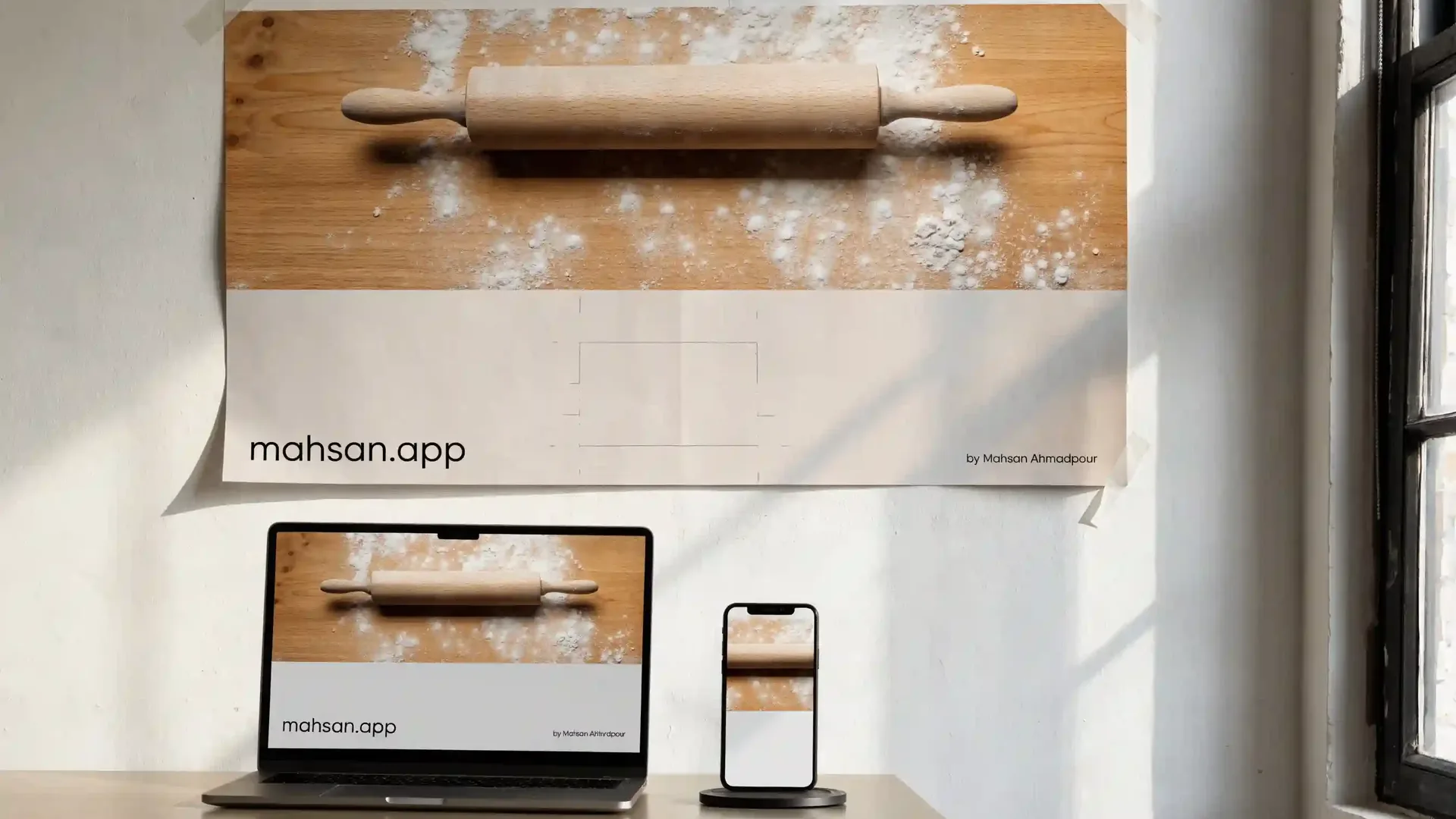
Keep text and logo in the centre band, about 1235 × 338 pixels on the minimum-size image (roughly 1546 × 423 on a 2560 × 1440 canvas). Outside it, parts are cropped on phones and desktops.
800 × 800 pixels is the usual recommendation. It is shown as a small circle, so keep the face or mark away from the corners.
The video watermark must be a square image of at least 150 × 150 pixels and under 1 MB.
These numbers come from YouTube's channel branding help pages. YouTube changes its layouts, so check the current page before you finalise a design.
What to put in the safe band
- The channel name or mark, large enough to read on a phone.
- One line that says what the channel is for, in the viewer's words: 'Ten-minute dinners', not 'Content about food'.
- Optional: the upload rhythm ('New film every Friday') if it is true and you keep it.
- Nothing else. Social handles and long lists become unreadable at phone size.
Using the area outside
The rest of the banner is visible only on large screens and televisions. Use it for atmosphere: a photograph, a texture or a pattern that continues the mood, with no information the viewer needs. Make sure it still looks deliberate when it is cropped down to the band.
Banner, thumbnails and profile as one system
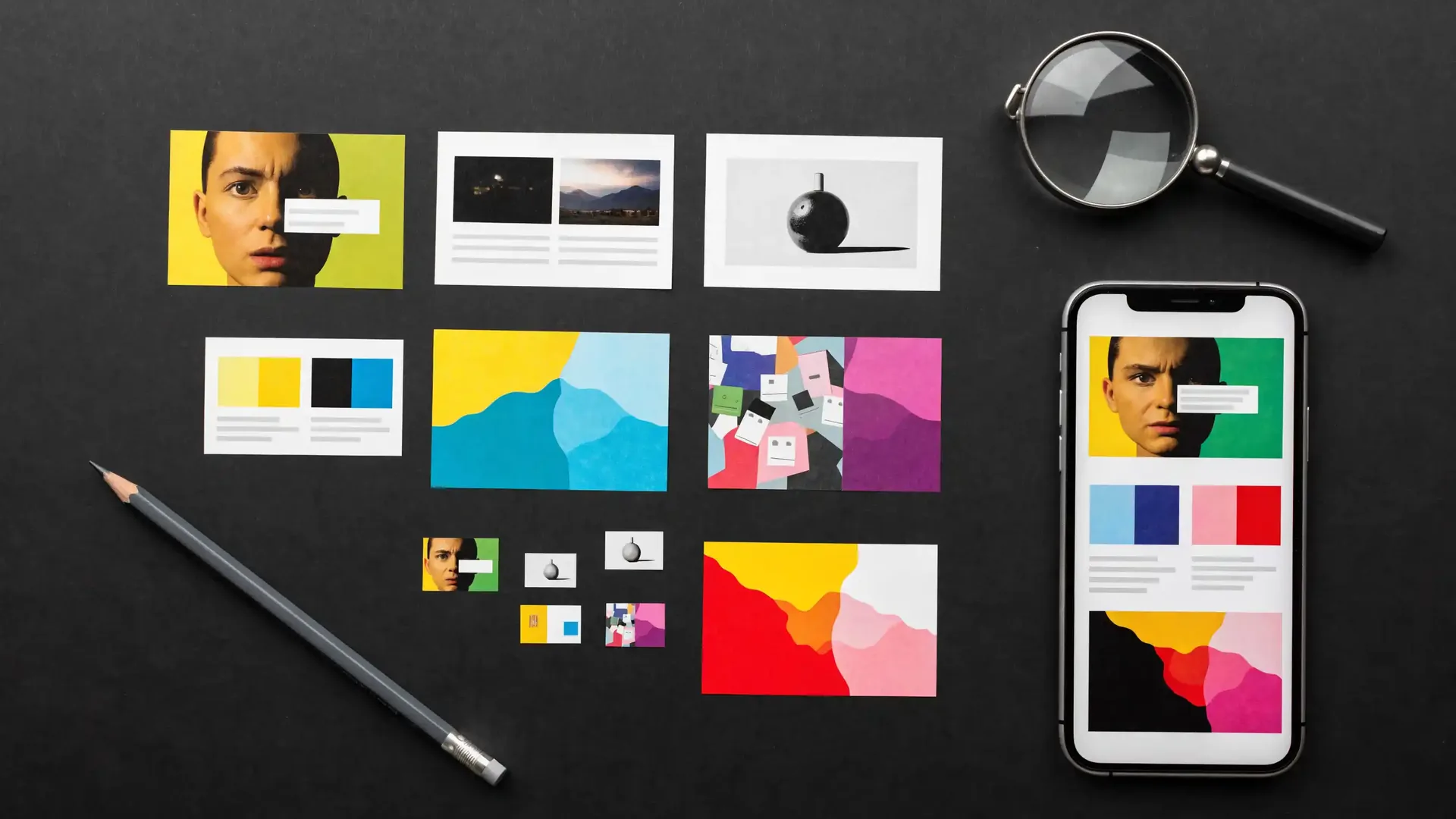
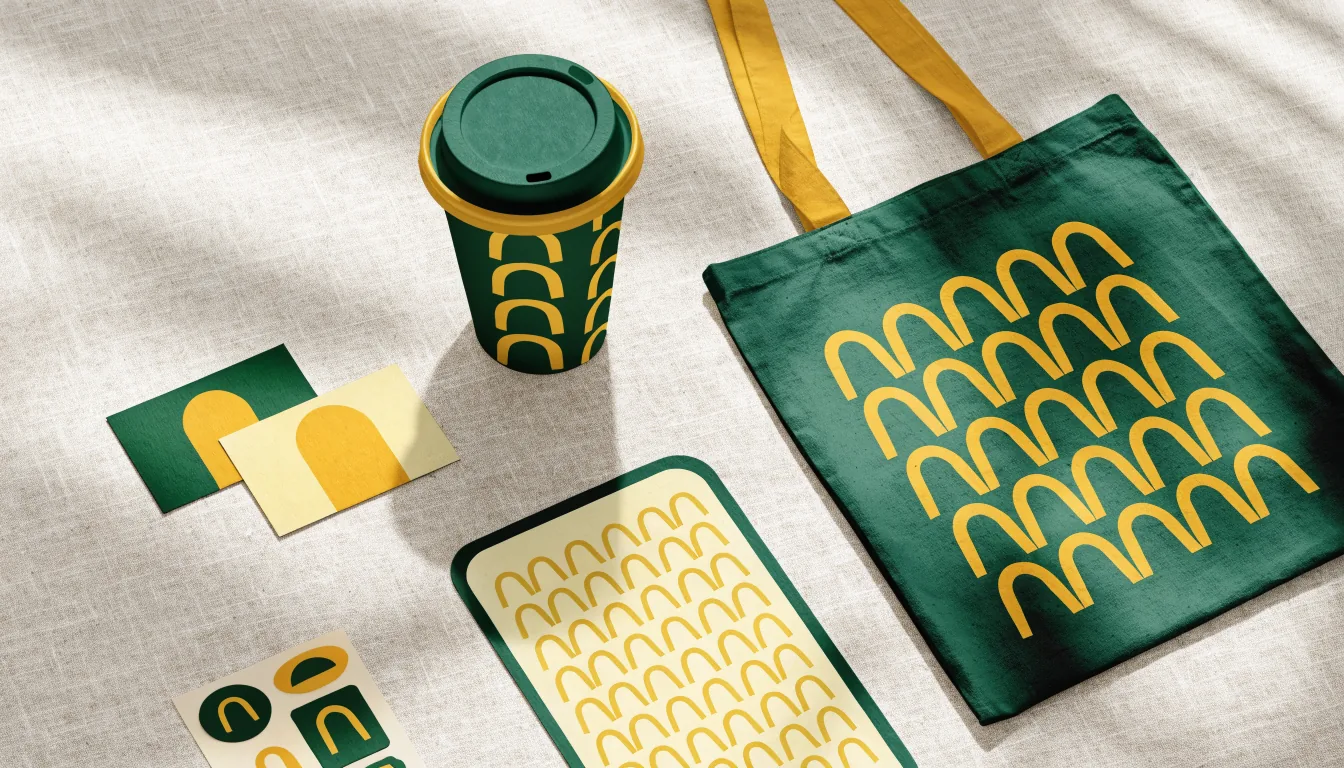
Viewers see the banner, the profile picture and a grid of thumbnails at the same moment. They should share a palette, a typeface and a tone, so the channel reads as one voice. A banner that looks like a different brand from the thumbnails below it weakens both.
The channel's first sentence
A banner is closer to the first line of a book than to a poster: it sets the voice for everything under it. Write the line first, the one that says who this channel is for and why, and read it aloud. If it would not make sense on the back of a book, it will not work above a grid of videos.
Questions about youtube channel banner design
What size is a YouTube banner?
2560 × 1440 pixels is recommended, with a minimum of 2048 × 1152 and a maximum file size of 6 MB. Keep text and logos in the centre safe area.
What is the YouTube banner safe area?
A centred band where text and logos are visible on every device, about 1235 × 338 pixels on a 2048 × 1152 image. On a 2560 × 1440 image it scales to roughly 1546 × 423.
Why is my YouTube banner cropped?
YouTube crops the banner differently on phones, computers and televisions. Anything outside the centre safe area may be cut off; move important elements into the middle band.
What should I put on my YouTube banner?
The channel name or logo and one clear line about what the channel offers. Keep everything else as atmosphere outside the safe area.
Make a banner at 2560 × 1440 with only your channel name and one line in the safe band. Export it, then view it on a phone at arm's length. If you cannot read the line, make it shorter before you make it smaller.
Sources and further reading
- YouTube Help: Manage your channel branding (banner image, profile picture and video watermark).
- Ellen Lupton, Thinking with Type, Princeton Architectural Press, 2010.
Words to describe youtube channel banner design
Precise words for the qualities above. Combine a few of them instead of naming the style or artist alone.
- channel banner
- channel art
- safe area
- profile picture
- watermark
- 16:9
- crop
- channel name
- tagline
- brand system
A cooking channel: a top-down photograph of a wooden table with flour and a rolling pin filling the whole banner, and in the centre band only 'Saturday Bread' in a warm serif with 'one loaf a week, from scratch' beneath it.