Where Gen AI helps
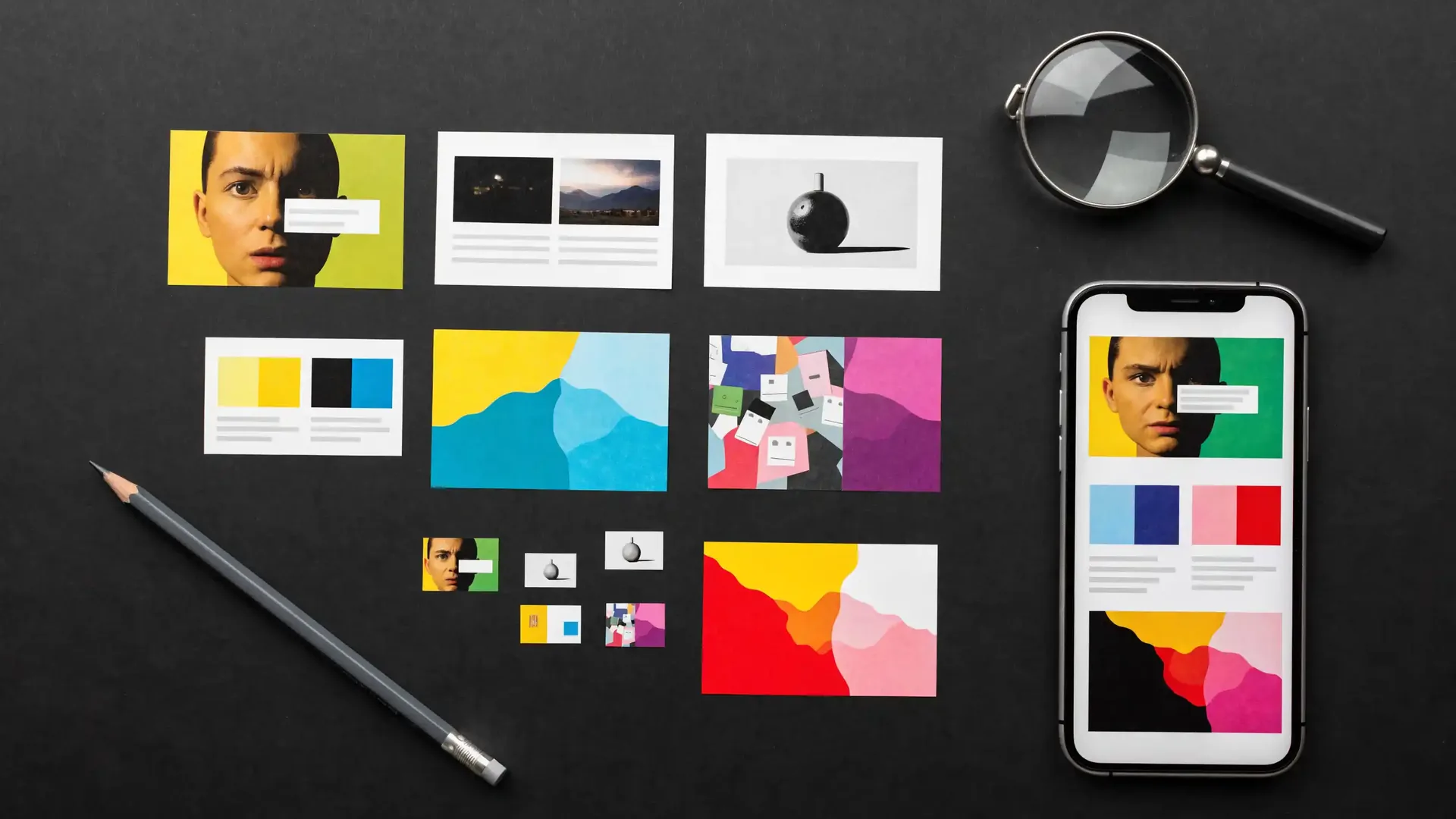
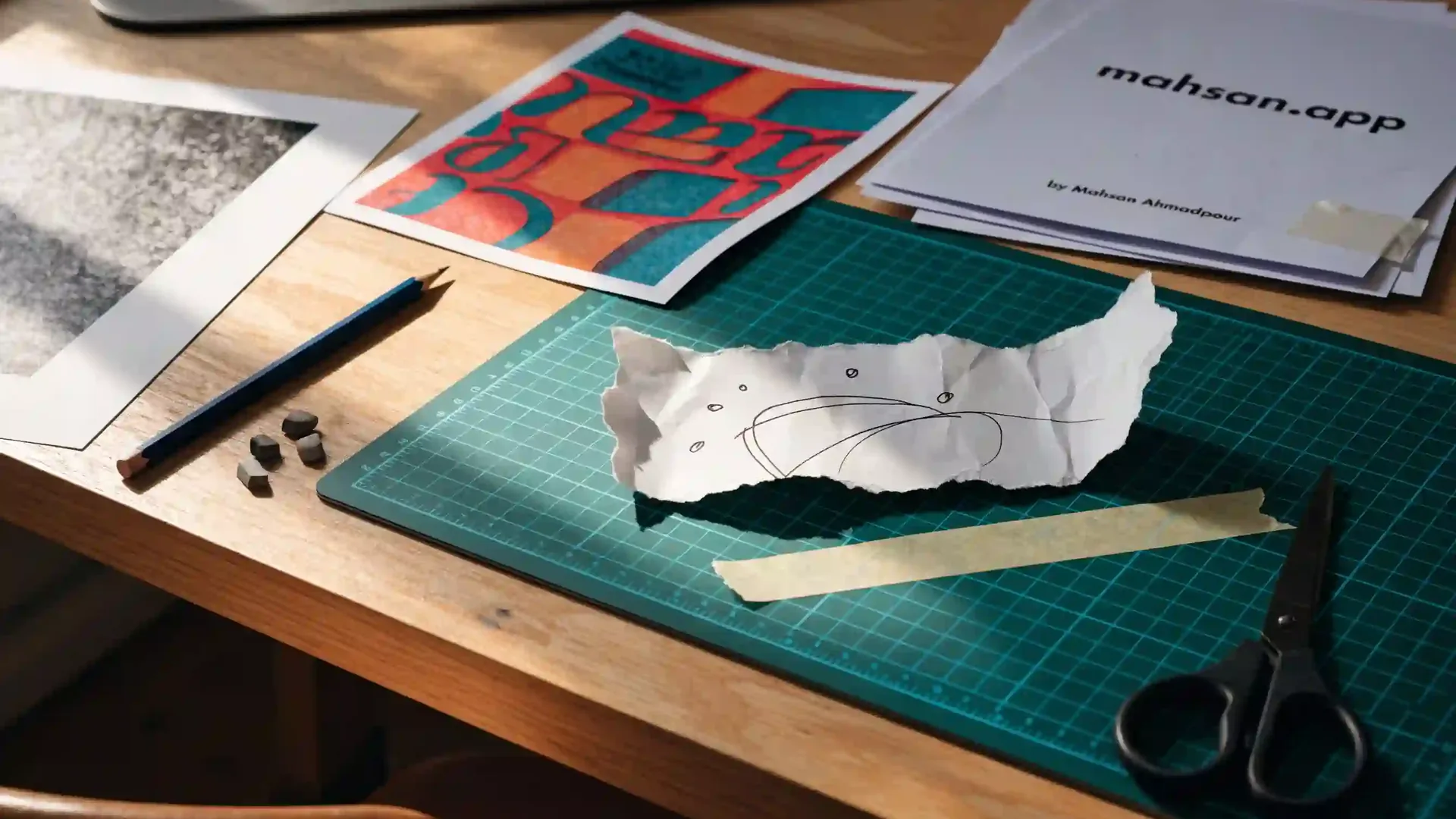
Rough visual sketches of several different concepts before a shoot.
A place or atmosphere you cannot photograph, used behind a real subject.
Extending a frame to 16:9, removing distractions, fixing small flaws.
A clean, imagined version of an object when the real one is not at hand, clearly not misleading.
Trying one idea in several styles to see which suits the channel.
YouTube Studio itself now offers some thumbnail generation options; treat them as drafts.
Where it fails
- Text: lettering is often garbled; add type yourself in a design tool.
- Real people: faces of you or your guests should be real photographs; generated look-alikes erode trust.
- Generic glow: the default look, shiny, saturated, rim-lit, is exactly what makes thumbnails blend into each other.
- Promises the video cannot keep: a dramatic generated scene that never appears in the video.
- Sameness: if you prompt what everyone prompts, you get what everyone gets.
The honest rules
YouTube's spam and deceptive practices policy treats titles, thumbnails or descriptions that make viewers think a video is something it isn't as a violation. That applies whether the image was photographed, drawn or generated. A useful test: would a viewer who clicked feel the thumbnail showed them something true about the video?
- Use real footage or photos for real events and real people.
- Use generated imagery for illustration, metaphor or atmosphere, and make that obvious.
- Keep your own face real.
- Never generate fake evidence, fake screenshots or fake news imagery.
Prompting thumbnails that do not look generated
- Start from the idea you sketched, not from 'YouTube thumbnail, viral, 4k'.
- Describe one subject, one action and one concrete detail.
- Ask for natural light, real textures, muted or specific colour, and imperfection.
- Leave empty space for type and say where.
- Generate many, choose one, then finish it by hand: crop, colour, type.
A tool that writes clichés fluently
Gen AI is fluent in the average. Like a writer who only uses stock phrases, it produces images that are grammatically correct and say nothing new. The craft is the same as in writing: start from what you actually mean, and edit until it is specific.
Questions about Gen AI thumbnails
Can I use AI to make YouTube thumbnails?
Yes. YouTube does not ban generated thumbnails, but its policy forbids thumbnails that mislead viewers about the video. Use Gen AI for ideas, backgrounds and illustration, and keep real people and events real.
Why do AI thumbnails look the same?
Because default prompts produce the model's average look: glossy, saturated, glowing. Specific ideas, natural light and hand finishing make them distinct.
Can Gen AI put text on thumbnails?
Some tools can, but text is still often misspelled or distorted. Adding type in a design tool is more reliable.
Write the same thumbnail prompt twice: once with generic words ('viral, epic, 4k'), once with one subject, one action, one concrete detail and natural light. Compare the two results and list what the generic prompt added that you did not ask for.
Sources and further reading
- YouTube Help: 'Spam, deceptive practices and scams policies' (support.google.com/youtube/answer/2801973).
- YouTube Help: 'Add custom thumbnails on YouTube' (support.google.com/youtube/answer/72431), checked November 2026.
- YouTube Help: Disclosing altered or synthetic content.
Words to describe Gen AI thumbnails
Precise words for the qualities above. Combine a few of them instead of naming the style or artist alone.
- Gen AI
- generated image
- background extension
- compositing
- slop
- misleading thumbnail
- natural light
- concrete detail
- hand finishing
- disclosure
A Gen AI thumbnail prompt: a single old brass key lying on a wet stone step at dawn, soft grey natural light, real scratches and water drops, empty dark space on the right for type, muted colours, no glow, no text.