Scissors made of layers
Collage and photomontage were invented with paper and glue: the Cubists pasted newspaper into paintings, and Dada artists such as Hannah Höch cut up magazines to make sharp political images. When layered image software arrived in the 1990s, the same ideas moved onto the screen. Layers, masks and blend modes became the new scissors and glue.
Today digital collage is everywhere in editorial illustration, album covers, posters and social media. Its best work still keeps what made paper collage powerful: surprising combinations, visible seams, and images that clearly come from different worlds.
Visual anatomy of digital collage
Photographs, scans of paper and objects, old engravings, textures and flat shapes from different origins.
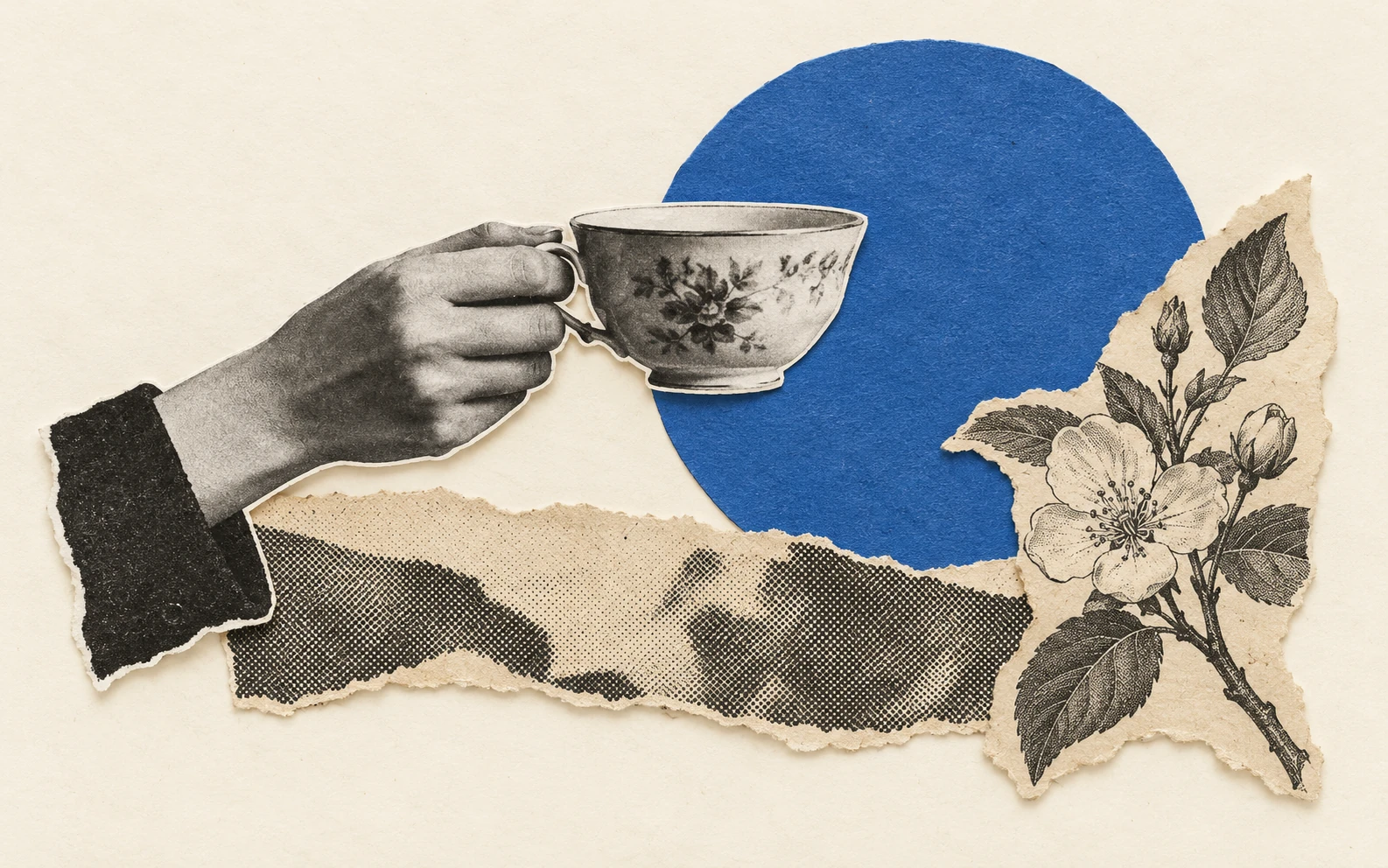
Clean vector-sharp cut-outs, rough torn paper edges, or soft masked blends.
Objects at impossible sizes: a hand bigger than a building, a face made of a landscape.
Overlapping elements with paper-like drop shadows that suggest physical depth.
Flat colour blocks, duotones or a limited palette that unifies images from different sources.
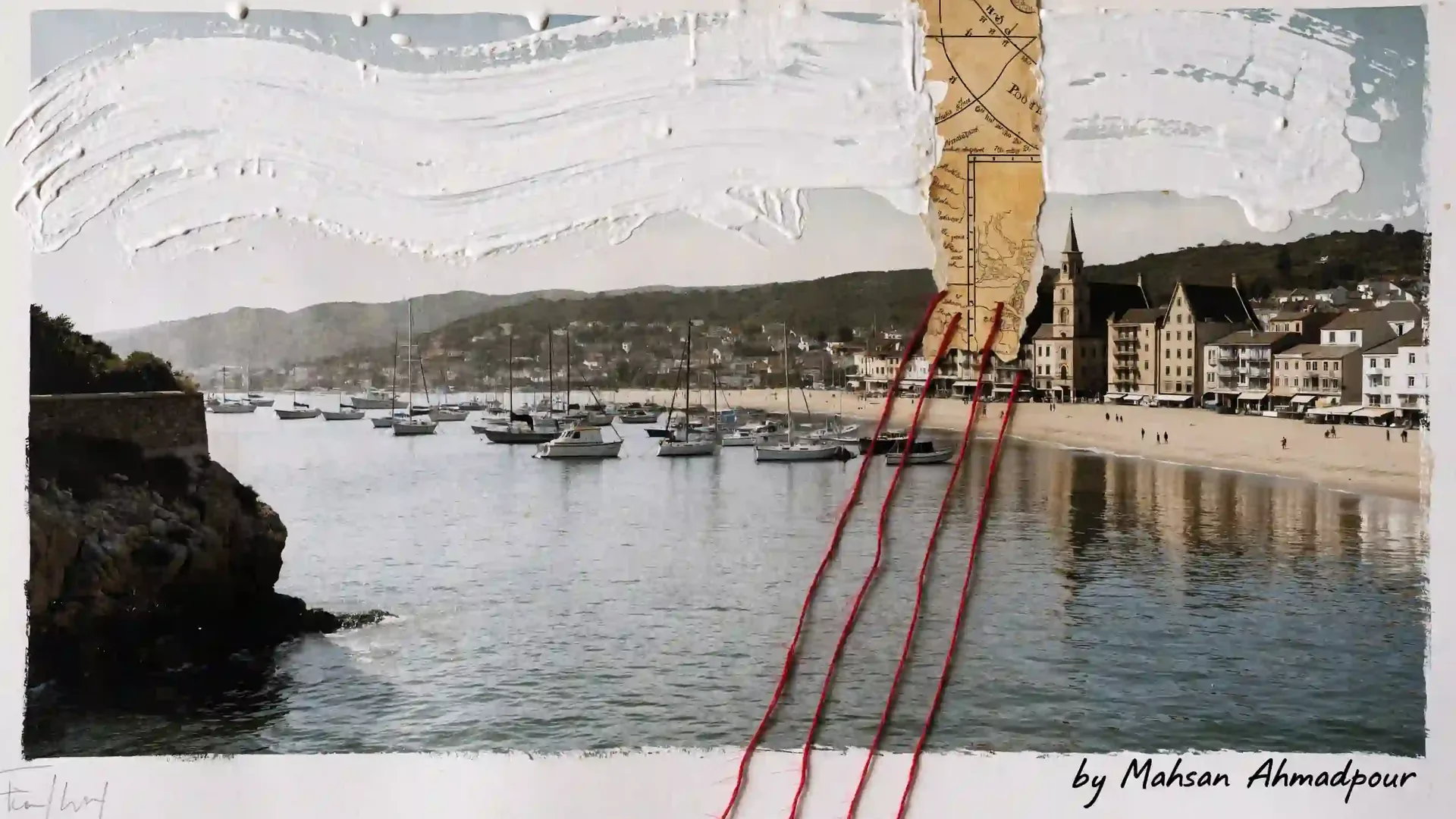
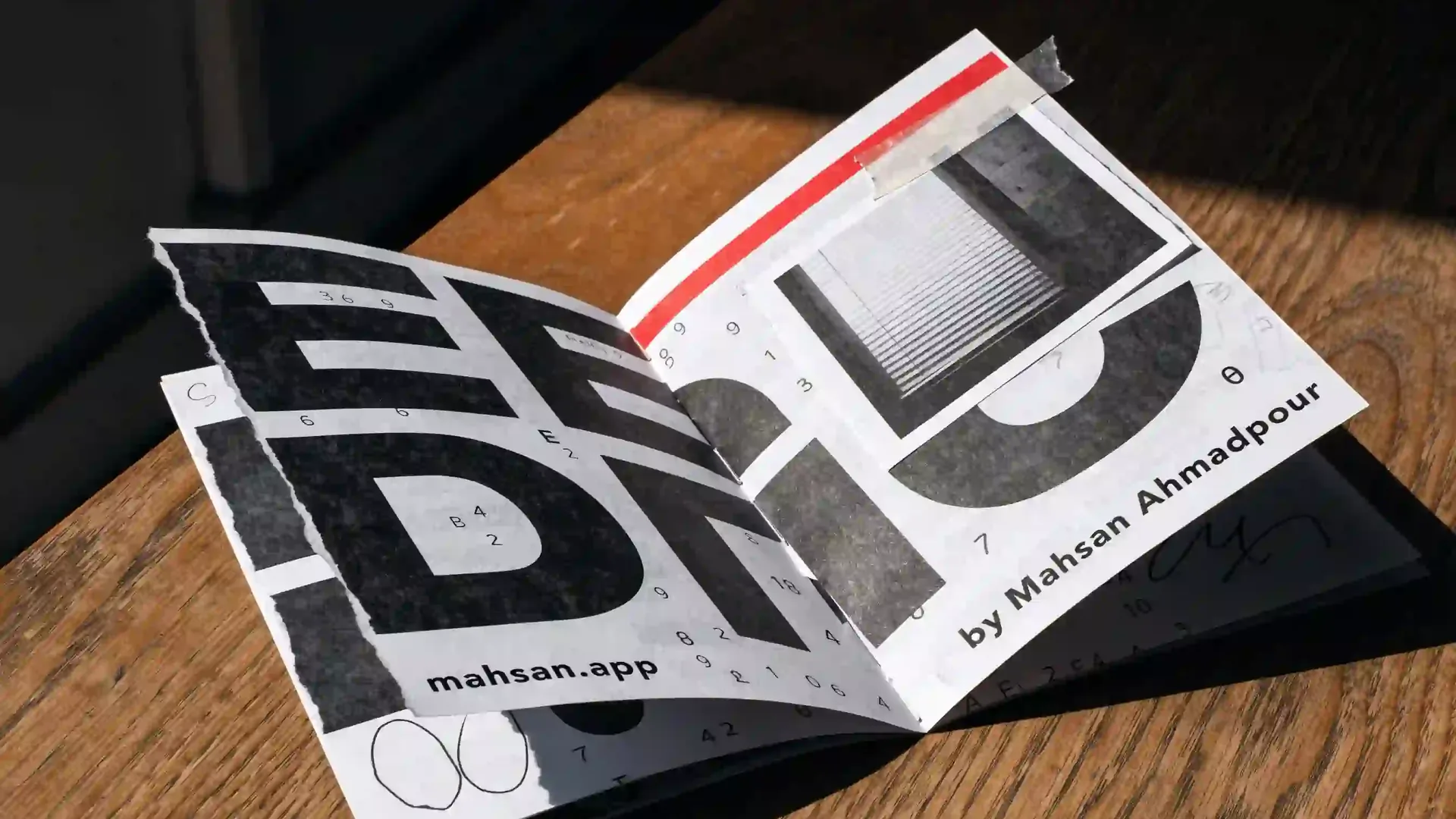
Halftone dots, paper grain, risograph or photocopy noise added on top.
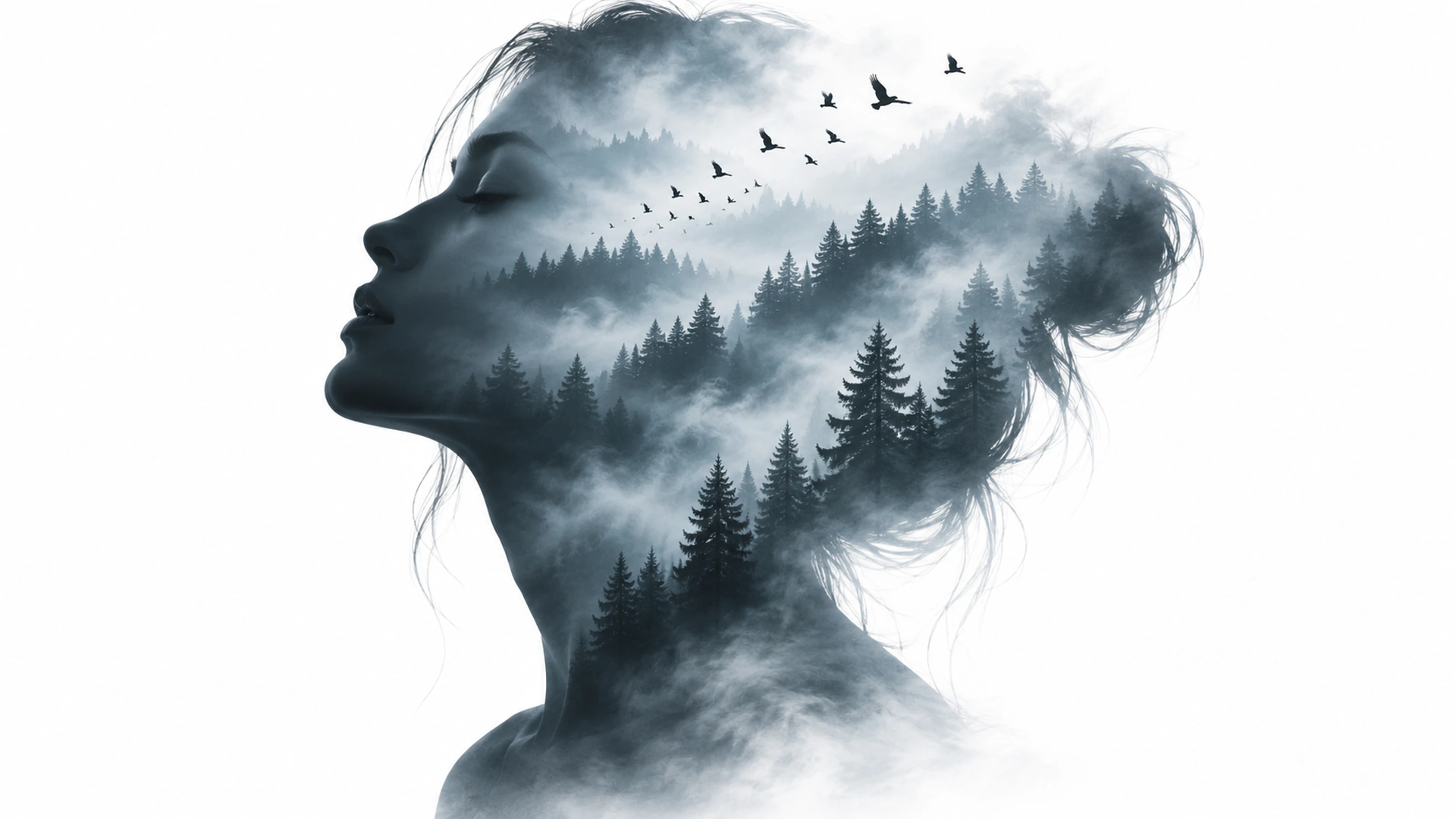
Multiply, screen and overlay used to let one image show through another.
Digital collage techniques
Isolate elements with selections or masks; keep a slightly rough edge for a hand-cut feel, or a clean one for a graphic look.
Multiply to stain images into paper, Screen to add light, Overlay for texture; they decide how layers react.
Make small things huge and large things tiny: a giant flower behind a small figure is the classic surreal move.
Scanned paper, dust, halftone dots and film grain tie mismatched sources together.
A shared tint, duotone or gradient map makes photos from different decades belong to one image.
A soft drop shadow lifts a cut-out like real paper; no shadow makes it flat and graphic.
Duplicate one element into a rhythm or halo around the subject.
Add stamps, handwriting, tape and geometric shapes as visual punctuation.
How to recognize digital collage
- Images from clearly different sources in one composition.
- Visible cuts, edges or seams.
- Unexpected scale and juxtaposition.
Where people get it wrong
Digital collage is not the same as seamless photo manipulation. When every seam is hidden and the light is matched perfectly, the result is a composite photograph. Collage shows its joins. And collaging other people's photographs can raise copyright questions; public domain archives and your own photos are safer sources.
Words to describe digital collage
Precise words for the qualities above. Combine a few of them instead of naming the style or artist alone.
- digital collage
- cut-out photo elements
- torn paper edges
- paper drop shadows
- vintage engraving fragments
- halftone texture overlay
- duotone colour
- surreal scale shifts
- multiply blend mode
- scanned paper grain
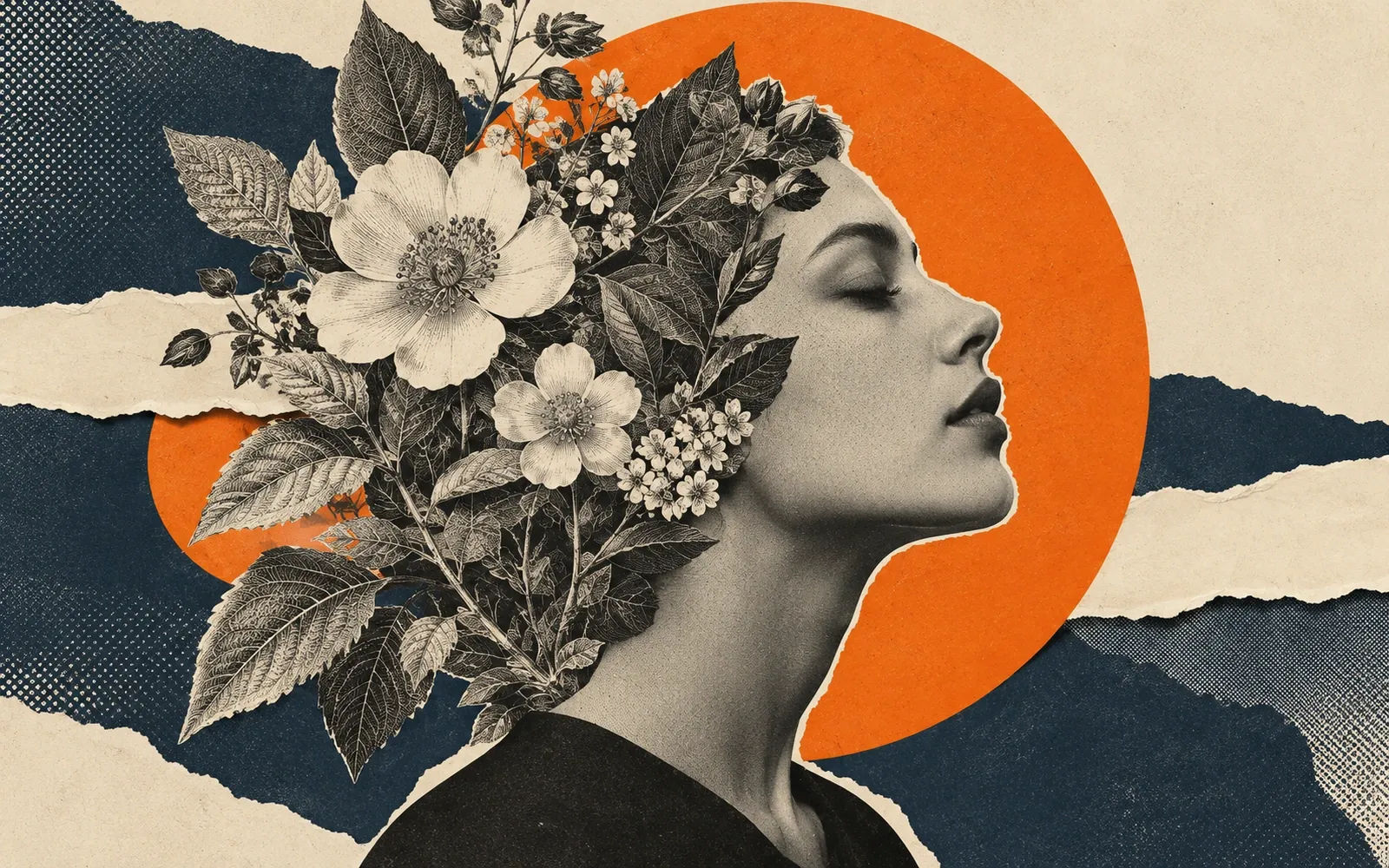
An editorial digital collage: a black and white cut-out of a woman's profile filled with a vintage botanical engraving, a large flat orange circle behind her, torn cream paper strips, soft paper shadows, halftone texture and a limited palette of orange, navy and off-white.
What to take from digital collage today
- Name the sources: vintage engraving, black and white photo, scanned paper.
- Describe the edges: clean cut, torn, masked.
- Say what unifies it: a palette, a texture, a duotone.
Questions about digital collage
What is digital collage?
Collage made on a computer or tablet: cutting, layering and blending photographs, scans, textures and drawings in software instead of with scissors and glue.
What tools are used for digital collage?
Layer-based image editors such as Photoshop, Affinity Photo, Procreate or GIMP; masks, blend modes and adjustment layers do most of the work.
Where can I find images I'm allowed to use?
Use your own photos and scans, or open-access collections that release public-domain images, such as many museum and library archives. Always check each image's licence.
Choose three images from a public domain archive, such as an engraving, a portrait and a landscape. Describe a digital collage made from them: what is cut, what is enlarged, what colour unifies them and where the seams show.